Sort, filter, decide
Sort by next due date, name, monthly cost or recently added. Narrow the list to Due in 7 days or Unused, then reset search and filters in one tap.
 EncryptionJWEGames
Private renewal tracker
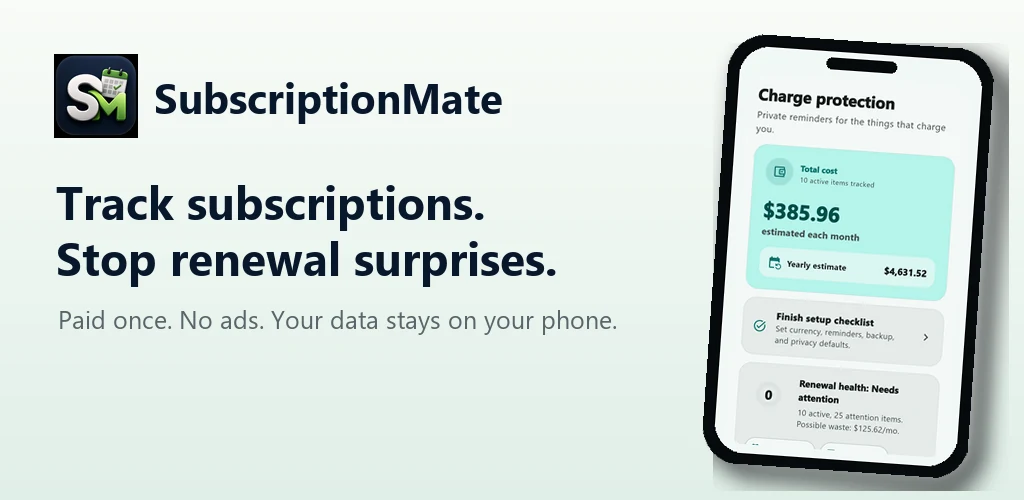
See what you pay, what renews next and which services deserve a second look—without creating an account or handing over financial data.
What’s new
New sorting, filters and search tools help you review a growing list of subscriptions, bills, trials and memberships.
Sort by next due date, name, monthly cost or recently added. Narrow the list to Due in 7 days or Unused, then reset search and filters in one tap.
Use multiple words to search names, notes, categories and payment methods. Smaller screens have better layouts, with more accurate reminders and renewal countdowns.
Magic Import reads screenshots, CSV and text on your device. Review and edit suggestions before saving; duplicate blocking helps keep your list tidy.
Inside SubscriptionMate
See what you pay, what renews next and which services deserve a second look—without creating an account or handing over financial data.
See monthly and yearly totals, upcoming renewals, free trials and items needing attention.
Renewal alerts are scheduled locally, with no server push and no account required.
Review on-device import suggestions from CSV, text or screenshots before anything is saved.
Create password-protected encrypted backups that the developer cannot read or recover.
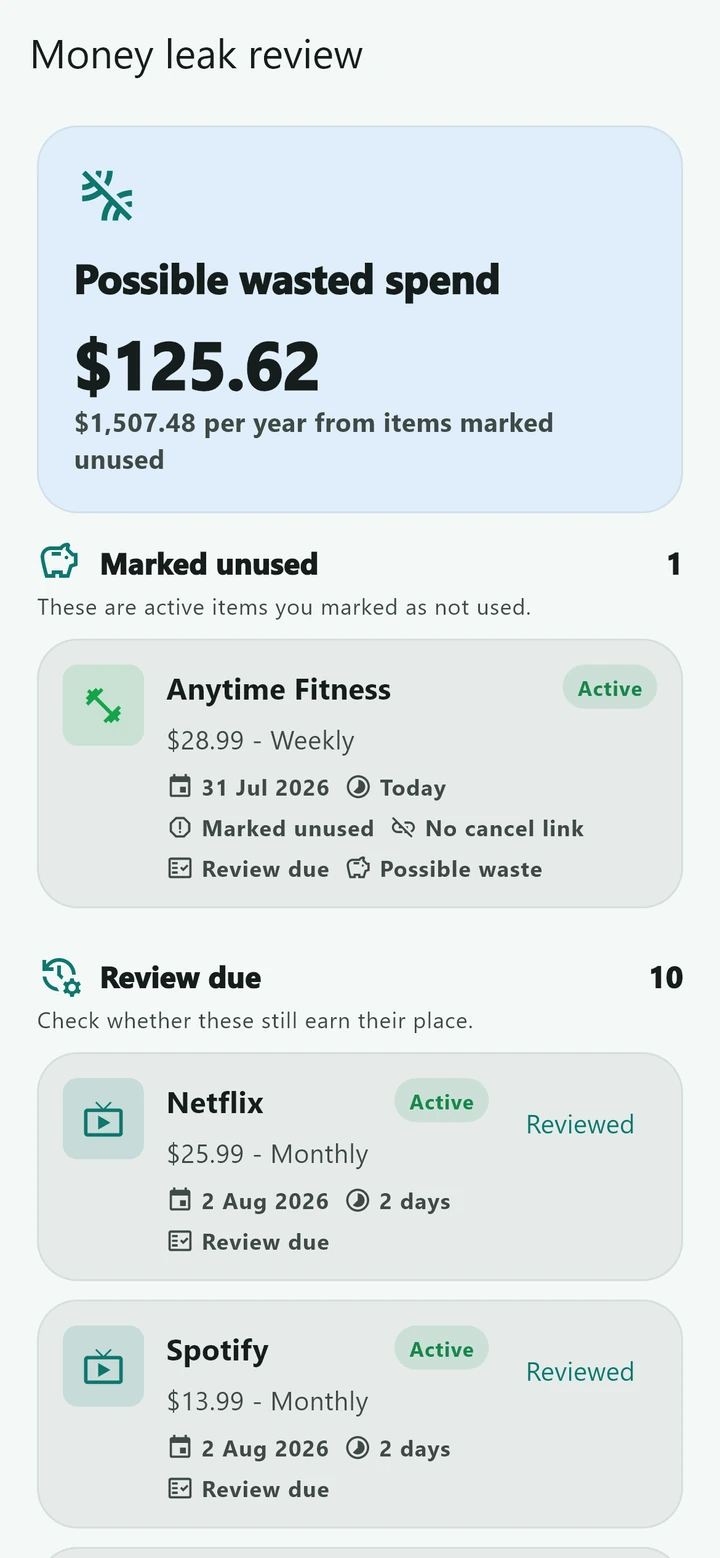
Review unused services, renewal health, cancellation guidance and savings history. Category charts and flexible billing cycles help explain your spending in AUD.
Use the renewal calendar, calendar export and Android home-screen widget. Add a PIN or biometric lock and choose a light or dark theme.
Privacy & support
SubscriptionMate has no developer account, analytics SDK, advertising SDK, bank connection or cloud database. Renewal data remains encrypted on your device.